Hello, we have an openremote instance running on a local server with a VPN for external access. So the internal ip is an 192.168.x.x, whilst the vpn is a 10.9.x.x
The problem is whenever we try to access the platform from the VPN, on login it redirects to 192.168 which doesn’t exist in that context, giving a error: redirect_uri. I have tried most things, but it seems like keycloak doesn’t support the idea of existing on multiple networks. Any ideas?
There also seems to be some problems with the fact that we are running a self-signed cert, but afaik that’s not the acute problem right now. Appreciate the help
I have done exactly the same thing as you but I solved it as follows:
I have a Caddy docker container as a reverse proxy directing traffic from my caddy server to a wiregard tunnel. My Caddy proxy sits on a vps accessible via the public internet. The wireguard tunnel is configured separate from the docker container containing caddy.
Then I have a private self hosted local server that establishes a wireguard tunnel to the vps server. (Running Caddy)
I then via .env file for docker-compose have OR_HOSTNAME set to my dns address of caddy proxy vps server… I have found that having OR_HOSTNAME in the manager docker-compose file is not picked up from the openermote proxy server nor the keycloak server.
I also disable openremote proxy from having to get certificates from lets encrypt since this is now handled by the caddy server.
Also configured the caddy reverse proxy to accept the self signed certificate for the open remove server.
I hope that this is everything I can remember. I could post my caddyfiles and docker compose files but that would leave out all of the fun for you
The redirect_uri error is specific to Keycloak.
Keycloak has a list of hostnames it allows to log in from, which we have
the OR_HOSTNAME and OR_ADDITIONAL_HOSTNAMES environment variables for.
# The public HOSTNAME and SSL PORT of this manager
OR_SSL_PORT: ${OR_SSL_PORT:--1}
OR_HOSTNAME: ${OR_HOSTNAME:-localhost}

# Additional hostnames that should be allowed to access the auth server
OR_ADDITIONAL_HOSTNAMES:
You can look up the full list of environment variables (of every container) in this file.
.
You can also use the Keycloak UI to make custom configurations.
It is accessible through https://<proxy address>/auth/ or
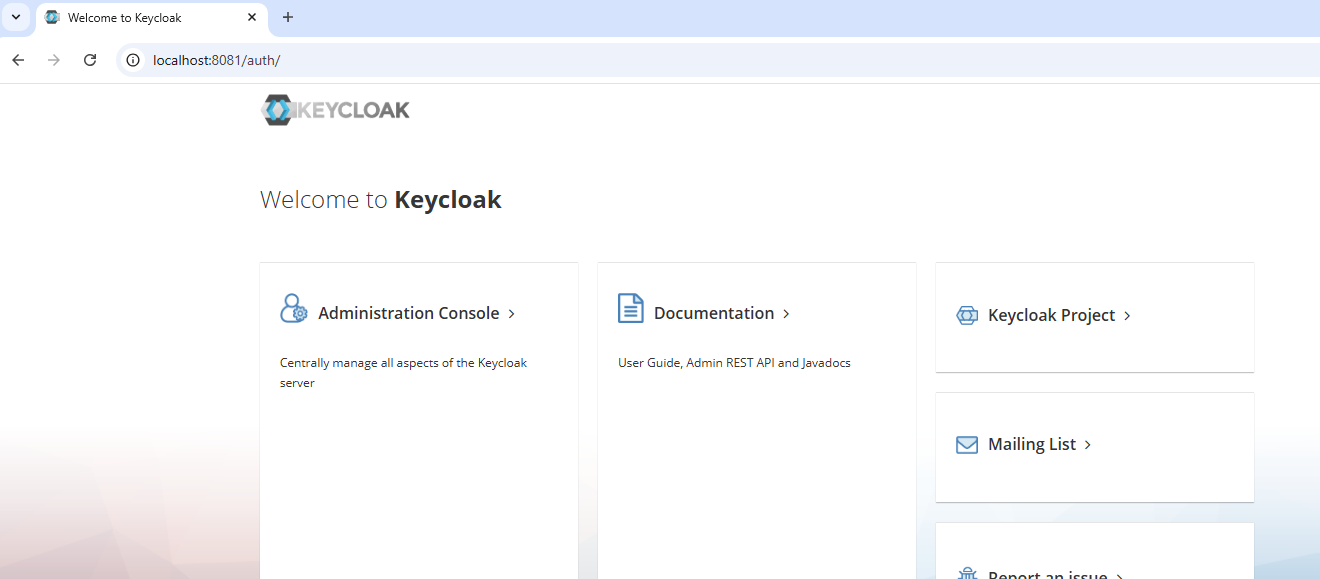
via http://<keycloak address>:<keycloak port>/auth/:
Yep, that should be okay - added a logline in WebService and it’s got the OR_ADDITIONAL_HOSTNAME from .env.
The only problem that remains is the fact that logging in redirects you from the VPN ip (10.9.x.x) to the local ip (192.168.x.x), for authing. The KC /auth/ endpoint is also reachable, but the javascript console says it also is reaching out to 192.168 when it should be 10.9.
Let me know if i am being unclear, but it seems odd that the login is using an absolute path?
PS: I am using our own fork, so maybe i’ve flunked a merge conflict