I have added 2 assets for a company on the map, now both the assets are located at almost the same location on the map.
I can see this number on the map instead of 2 individual assets, is there any way to work around this problem?
This is on the max zoom level of 14. Is there a higher zoom level possible? I have downloaded the map using OpenStreetMaps.
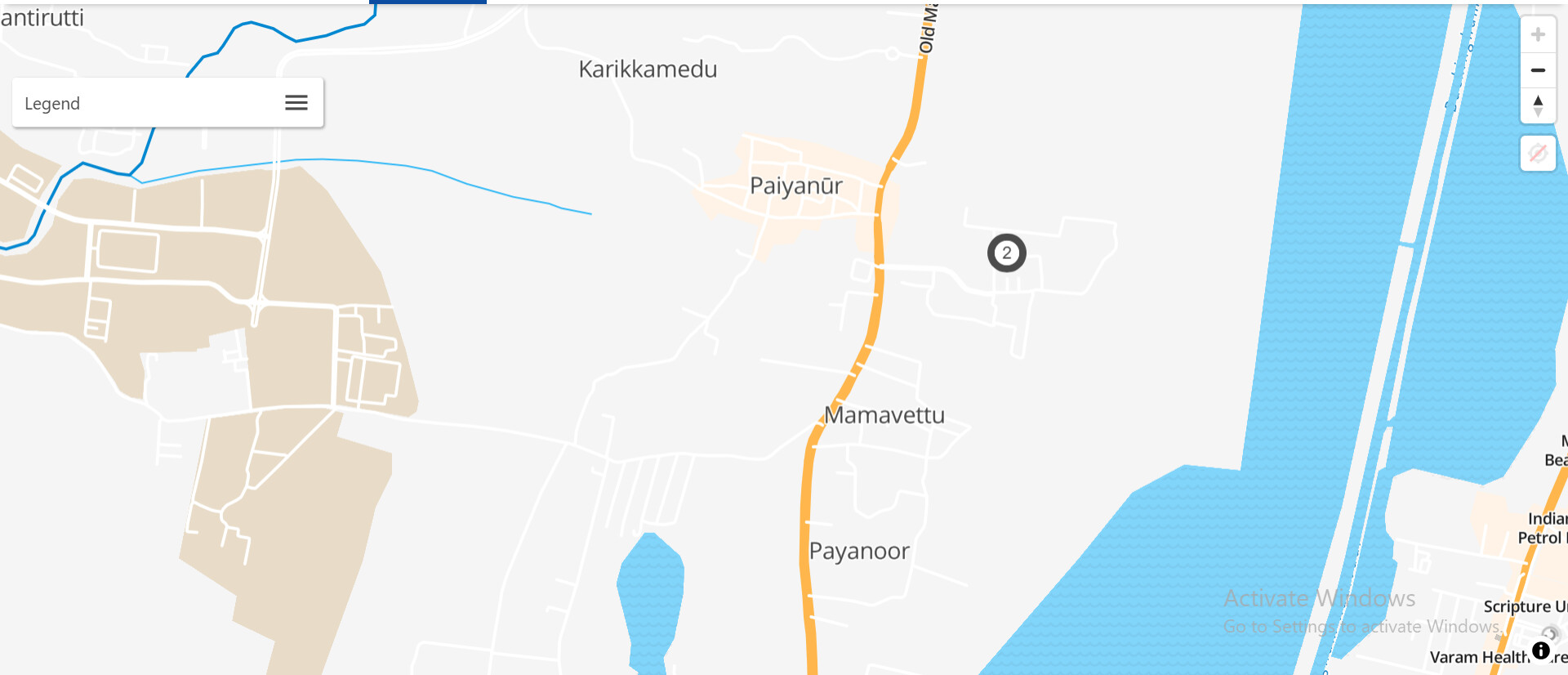
Hey @Saarthi,
We have some documentation on how to change the clustering behavior.
You can play around with the following options:
- “clusterMaxZoom”: 17
- “clusterRadius”: 180
I would recommend finding your max zoom level which seems to be 14, and then subtract 2 (so “clusterMaxZoom”: 12) to have the cluster marker disappear nicely when zoomed in all the way.
Or you can turn off map clustering if you don’t need to render thousands of markers, with:
- “cluster”: false
Please see: Appearance Page | OpenRemote Documentation
This is on the max zoom level of 14. Is there a higher zoom level possible? I have downloaded the map using OpenStreetMaps.
You can increase the max zoom level, but maps have a limit to the level of detail. So I would discourage increasing this value past the map’s max zoom level.
Hi, thank you for responding!
I have changed my manager_config.json to the following :
{
  "loadLocales": true,
  "realms": {
    "default": {
      "appTitle": "Custom Project",
      "styles": ":host > * {--or-app-color2: #F9F9F9; --or-app-color3: #22211f; --or-app-color4: #0c4da2; --or-app-color5: #CCCCCC;}",
      "logo": "/images/logo.png",
      "logoMobile": "/images/logo-mobile.png",
      "favicon": "/images/favicon.ico",
      "language": "en",
      "mapConfig": {
        "center": [78.9629, 20.5937],
        "zoom": 5,
        "bounds": {
          "north": 35.5,
          "east": 97.4,
          "south": 6.7,
          "west": 68.1
        }
      }
    }
  },
  "pages":{
    "map": {
      "clustering": {
      "cluster":false,
      "clusterRadius": 180,
      "clusterMaxZoom": 12
     }
    }
  }
}
I have tried it with true as well but I can see no effect in the clustering.
Here is the map after keeping clustering as false :
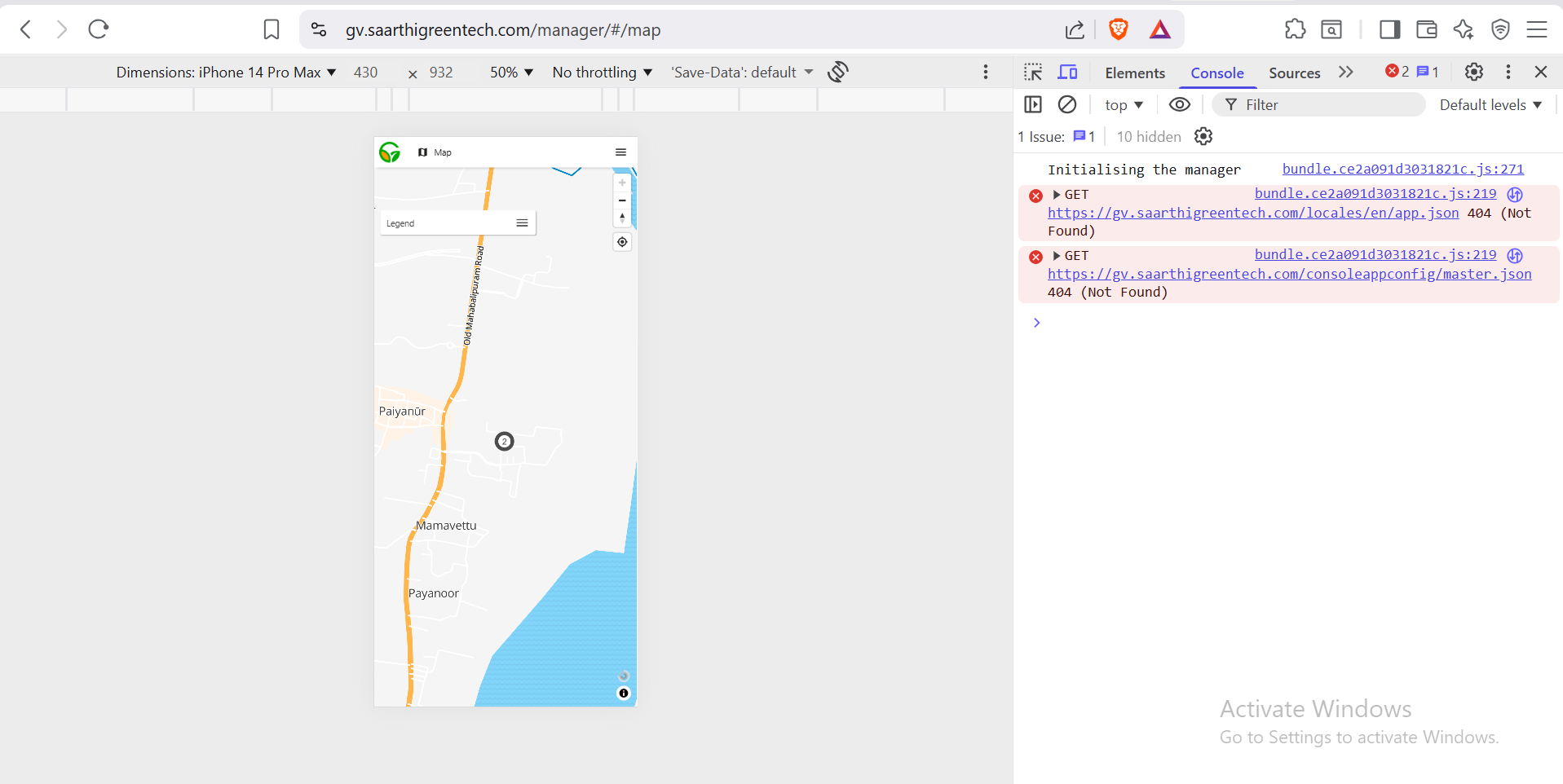
Even at clustering as true and clusterMaxZoom as 12, I was still seeing this cluster.
My manager_config is located at /fleet-management/deployment/manager/app.
Is this the right location?
After changing the config, here are the steps I took to implement the changes :
cd ~/fleet-management
./gradlew clean installDist

# 2. Build deployment image
cd deployment/build
docker build -t pankalog/fleet-deployment:custom .

# 3. Restart with fresh deployment
cd ~/fleet-management
docker-compose down
docker volume rm fleet-management_deployment-data
DEPLOYMENT_VERSION=custom docker-compose up -d
Hi @Koen did you get a chance to review this?
you can use Maptiler

Great!
Yes, I would recommend doing this through the appearance page, as that should point to the correct manager_config.json file.
This topic was automatically closed 90 days after the last reply. New replies are no longer allowed.